
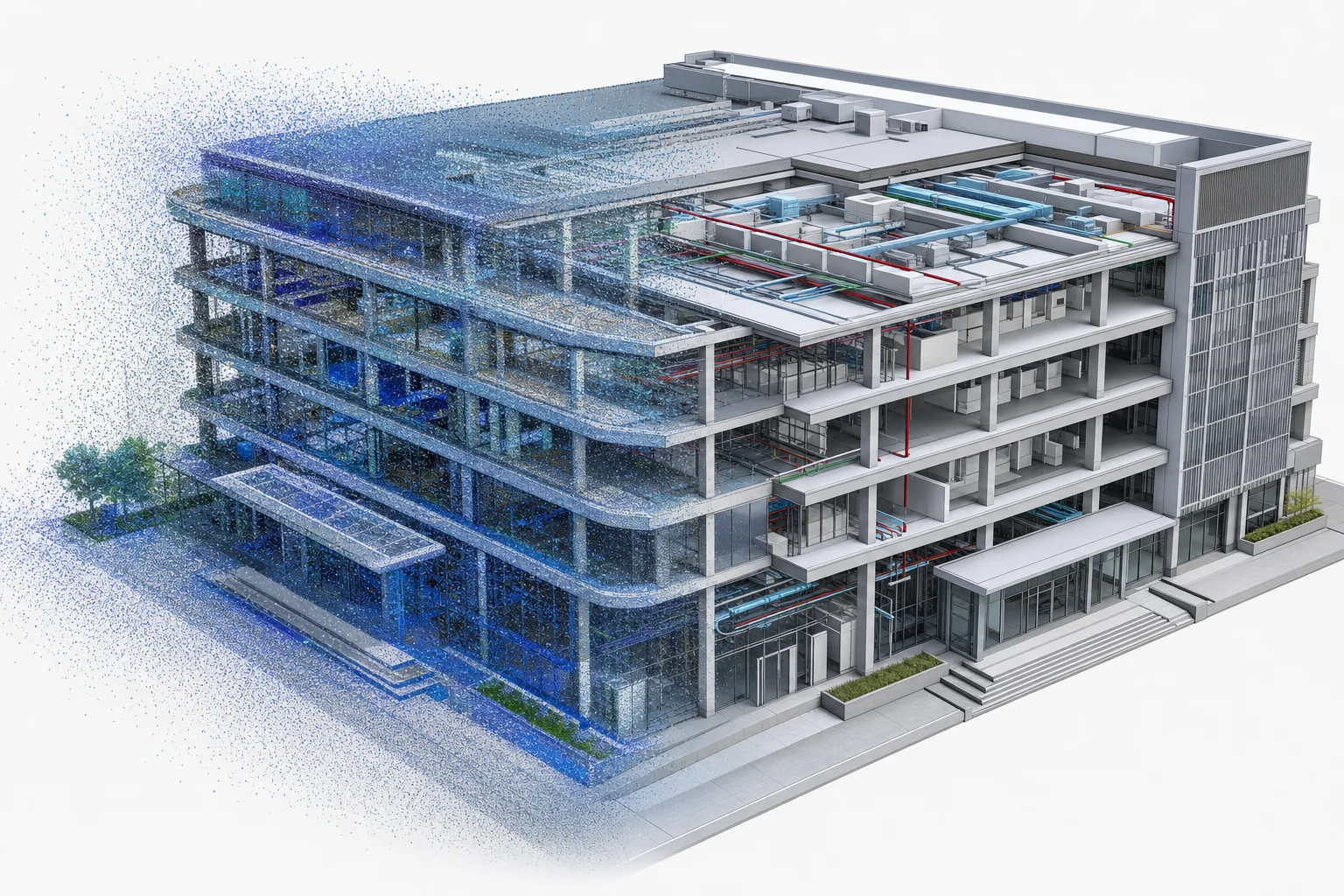
Typical source data
Typical source data
RVT, IFC, linked models, materials, coordinate notes, classifications and required business fields
Recommended workflow
Recommended workflow
Audit revisions and links, define property mapping, remove authoring-only content, repair assets and publish as GLB or spatial tiles.
Key acceptance criteria
Key acceptance criteria
Component coverage, object IDs, coordinates, materials, transfer size, initial loading and frame rate on target devices
Typical deliverables
Typical deliverables
GLB, glTF, 3D Tiles, property maps, conversion settings and performance review records
Risks to control early
Risks to control early
Excess nodes, missing materials, untraceable properties, coordinate errors and high browser memory from direct exports
FAQ
Frequently asked questions
Can BIM properties be queried in a browser?
Yes, with selected fields and stable component ID mapping rather than shipping every authoring property to the client.
Should we use GLB or 3D Tiles?
GLB fits controlled assets; 3D Tiles fits large scenes that need spatial progressive loading.